The US Patent and Trademark Office (USPTO) maintains the official database of all US trademark applications and registrations. Searching it before you name a product, file an application, or send a cease-and-desist is standard practice — and it's free.
Here's how to search the USPTO trademark database effectively, what the results actually mean, and what the official system is missing.
The USPTO trademark database
The USPTO's trademark database contains over 15 million records: every trademark application filed with the USPTO, going back decades. This includes:
- Registered marks — currently active federal registrations with exclusive nationwide rights
- Pending marks — applications in examination, waiting to be published, or in post-publication processing
- Abandoned marks — applications that didn't complete registration (applicant missed a deadline, withdrew, or was refused)
- Cancelled/expired marks — registrations that lapsed due to failure to file maintenance documents
All of these are publicly searchable. You don't need an account, a law firm login, or a subscription.
The official USPTO search system
The USPTO replaced its old search tool (TESS) in November 2023 with a new system at tmsearch.uspto.gov. This is the authoritative source — the same database that examiners use when reviewing applications.
Basic search: enter a trademark name in the search bar. The results show matching marks with their status, serial number, owner, and filing date. Click any result for the full record.
Advanced search: the USPTO system supports Boolean operators and field-specific searches. For example:
mark:"SEALVO"— exact mark nameowner:"Nike"— all marks owned by Nikeclass:025— all marks in Class 25 (clothing)
After finding a record, you need to go to a separate tool — TSDR at tsdr.uspto.gov — to see the prosecution history, documents, and deadline information. The USPTO search and TSDR are two different systems.
What to search for
A useful trademark search isn't just typing your exact name. Here's the sequence:
1. Exact name
Start with your exact proposed name. Filter to your relevant Nice class (the category of goods or services). Look at both Registered and Pending status — a pending mark can still block your application even if it isn't registered yet.
2. Phonetic variations
Trademark law considers how marks sound, not just how they're spelled. Search for phonetic equivalents:
- "Klear" and "Clear" can conflict
- "Fone" and "Phone" can conflict
- "Eezy" and "Easy" can conflict
3. Root word variations
If your name includes a common root word, search that root. "SWIFT", "SWIFTLY", and "SWIFTPAY" could all be relevant depending on the class.
4. Owner search
If you find a conflicting mark, search the owner's name to see their full portfolio. They may have related marks in adjacent classes that add to the conflict picture.
How to read a USPTO trademark record
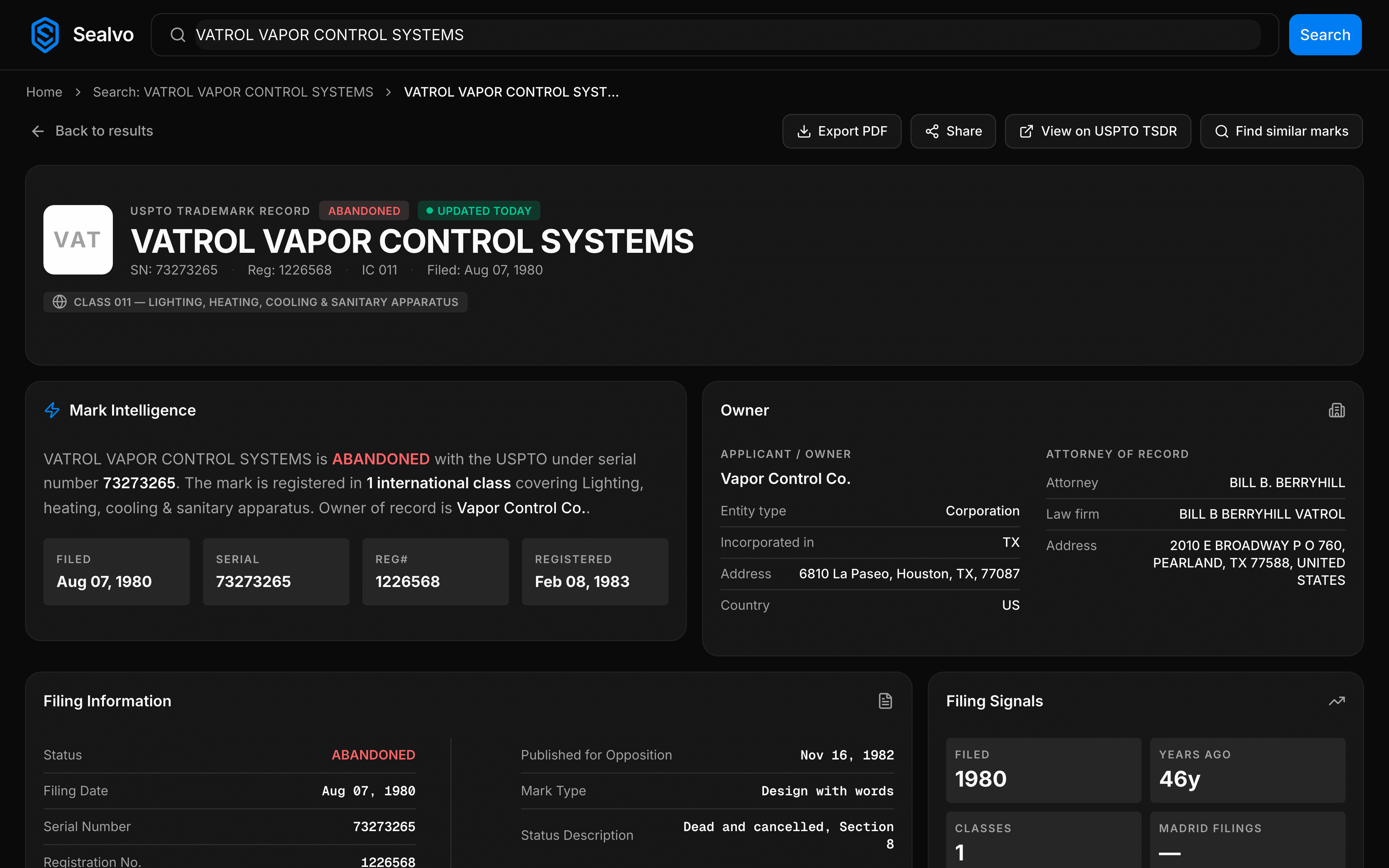
Each trademark record shows:
- Serial number: The unique identifier assigned at filing (7–9 digits). Stays with the application forever.
- Registration number: Assigned when the mark registers. Different from the serial number.
- Status: Current state — Registered, Pending, Abandoned, Cancelled.
- Status date: When the current status was last updated.
- Filing date: When the application was submitted. Establishes priority — earlier filing date = earlier rights if the mark registers.
- Owner: The person or entity that holds the trademark rights.
- Goods and services: The specific products or services covered. Trademark rights apply only to the listed category.
- Nice class: The international classification number for the goods/services.
- Mark drawing code: Whether the mark is words only, stylized text, or a design/logo.
Understanding the prosecution history
The prosecution history is the chronological record of every action taken on a trademark application:
- Application filed
- Assigned to examiner
- Office Action issued (reason: likelihood of confusion, descriptiveness, specimen issues, etc.)
- Response filed by applicant
- Approved for publication
- Published in Official Gazette (30-day opposition window starts)
- Opposition filed / no opposition
- Statement of Use filed (intent-to-use applications)
- Registration issued
The prosecution history tells you more than just current status. It shows why an application was rejected (useful when evaluating whether a similar name might face the same issue), whether an applicant is actively responding or appears to have abandoned the process, and what evidence was required to get a mark registered.
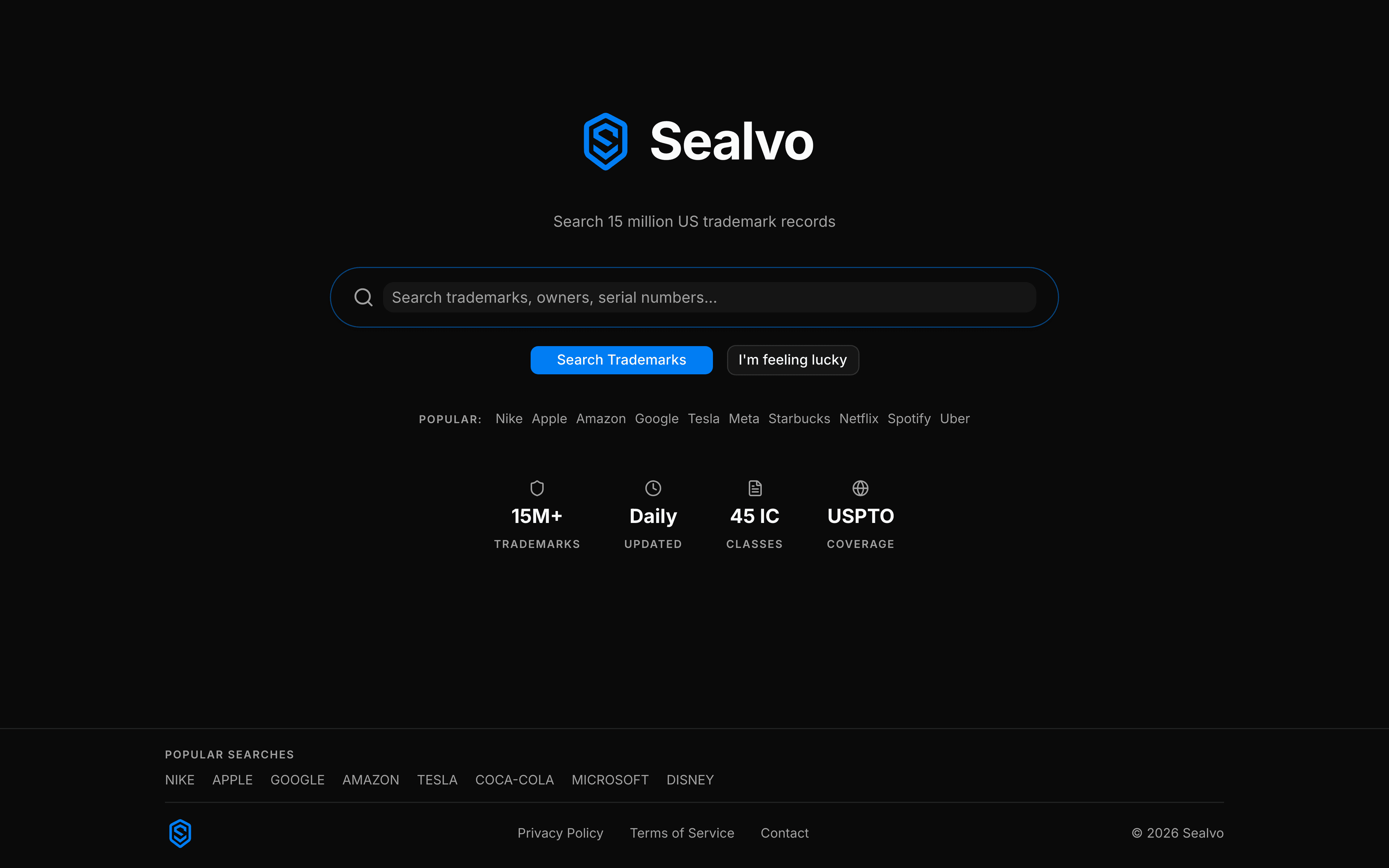
On Sealvo, the prosecution history is on every mark detail page — no need to switch to TSDR. On the official USPTO system, you search in one tool and view history in another.
Filtering results effectively
A search for a common word returns thousands of results. Filters are how you narrow to what's actually relevant:
- Status filter: Set to Registered + Pending to see only active or potentially active marks. Abandoned marks are generally not a blocking concern (though they may have common law rights).
- Nice class filter: Narrow to your specific class. A conflict in Class 25 (clothing) is irrelevant if you're filing in Class 42 (software services).
- Filing date range: If you're looking for recent filings in your space, filter to the last 1–2 years.
- Owner filter: Search by owner name to see a specific company's entire trademark portfolio.
On Sealvo, all these filters are available simultaneously from the search results page. The USPTO's official system requires more navigation to apply similar filters.
What USPTO search doesn't cover
The USPTO database only covers federal trademark registrations and applications. A complete clearance search also includes:
- Common law rights: A business that has been using a name commercially for years may have trademark rights even without a federal registration. These don't appear in any database.
- State registrations: Each US state has its own trademark registry, separate from the federal USPTO system.
- International marks: A mark registered in the EU, UK, or through the Madrid Protocol may not appear in USPTO search results (though Madrid Protocol extensions into the US do appear).
- Domain names and social media handles: Trademark rights and online presence are separate — someone can have neither a trademark nor a registration but still have brand recognition that matters.
For pre-filing clearance before a major brand launch, a full professional search (covering all of these layers) is worth the cost. For initial due diligence, the USPTO database is the right first step.
Search the USPTO trademark database on Sealvo — 15 million records, prosecution history on every mark, no account required. For a step-by-step guide to avoiding the most common search errors, see our trademark search mistakes guide.