A USPTO trademark search sounds simple: type the name, see if it's taken. But that's not how trademark conflicts work, and it's not how USPTO examiners evaluate applications. Most rejections — and most costly rebrands — come from searches that missed something obvious in hindsight.
Here are the five mistakes that consistently get applications rejected, with examples of what each one looks like in practice.
Mistake 1: Only searching your exact name
The USPTO examines applications for "likelihood of confusion" — not exact matches. That means a mark that sounds similar, looks similar, or conveys similar meaning can block your registration even if it's spelled completely differently.
If you're searching "Klearify," you need to also search "Clarify," "Kleerify," "Clearify," and just "Clear" in your category. If your name is "SwiftPay," search "Swift" and "Pay" separately, and then "SwiftPay" and "SWIFTPAY" as compounds. Trademark examiners know how to read phonetics.
A common examiner refusal: "The applied-for mark KLEAR is refused registration because of likelihood of confusion with U.S. Registration No. XXXXXXXX for the mark CLEAR." Different spelling, same sound, same category — rejected.
Mistake 2: Ignoring pending applications
A common misconception: if a mark isn't registered, the name is available. Not true. A pending application — one that's been filed but not yet registered — establishes a priority date that backs up to the filing date once the mark eventually registers.
Here's what that means in practice: you search for a name, find no registered mark, file your application, and build your brand for 8 months. Then the pending application you ignored registers — and now you have a trademark that postdates theirs. You're the infringer.
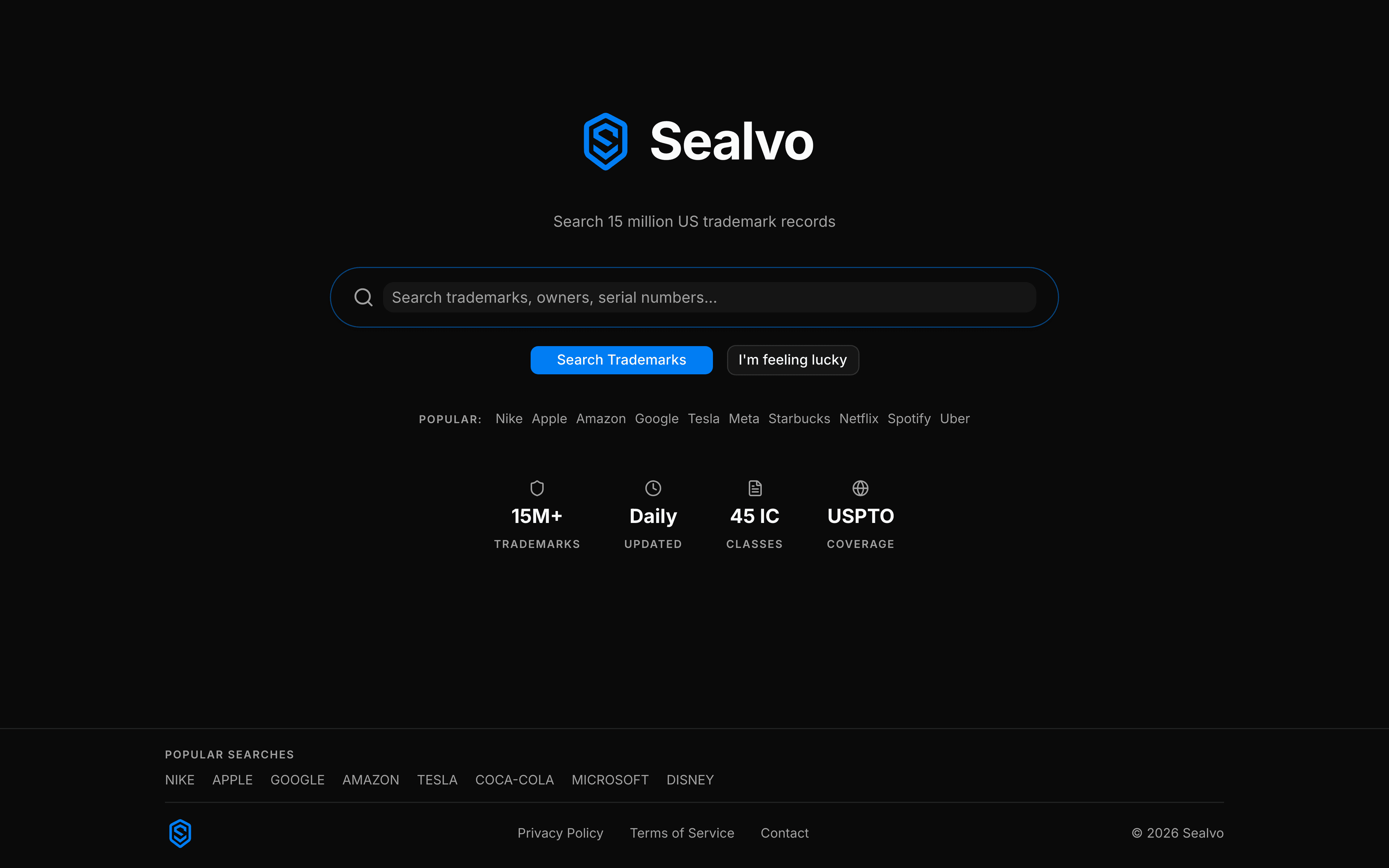
Always check Pending marks when you search. On Sealvo, filter by status to see Registered and Pending together. A pending application in your category with a name similar to yours is a real obstacle — even though it's not registered yet.
If you find a concerning pending application, click through to its prosecution history to see how far along it is. An application that's gotten through publication and is awaiting a Statement of Use is close to registration. One that received an Office Action it hasn't responded to might be abandoned soon.
Mistake 3: Not filtering to your specific industry
Trademark protection is class-specific. A mark registered in Class 42 (software services) doesn't automatically block you in Class 25 (clothing). Two companies can use the same name in unrelated industries without conflict — as long as consumers wouldn't confuse them.
The mistake: running a broad search, seeing the name has existing marks, and either panicking or dismissing it without checking whether those marks actually cover your category.
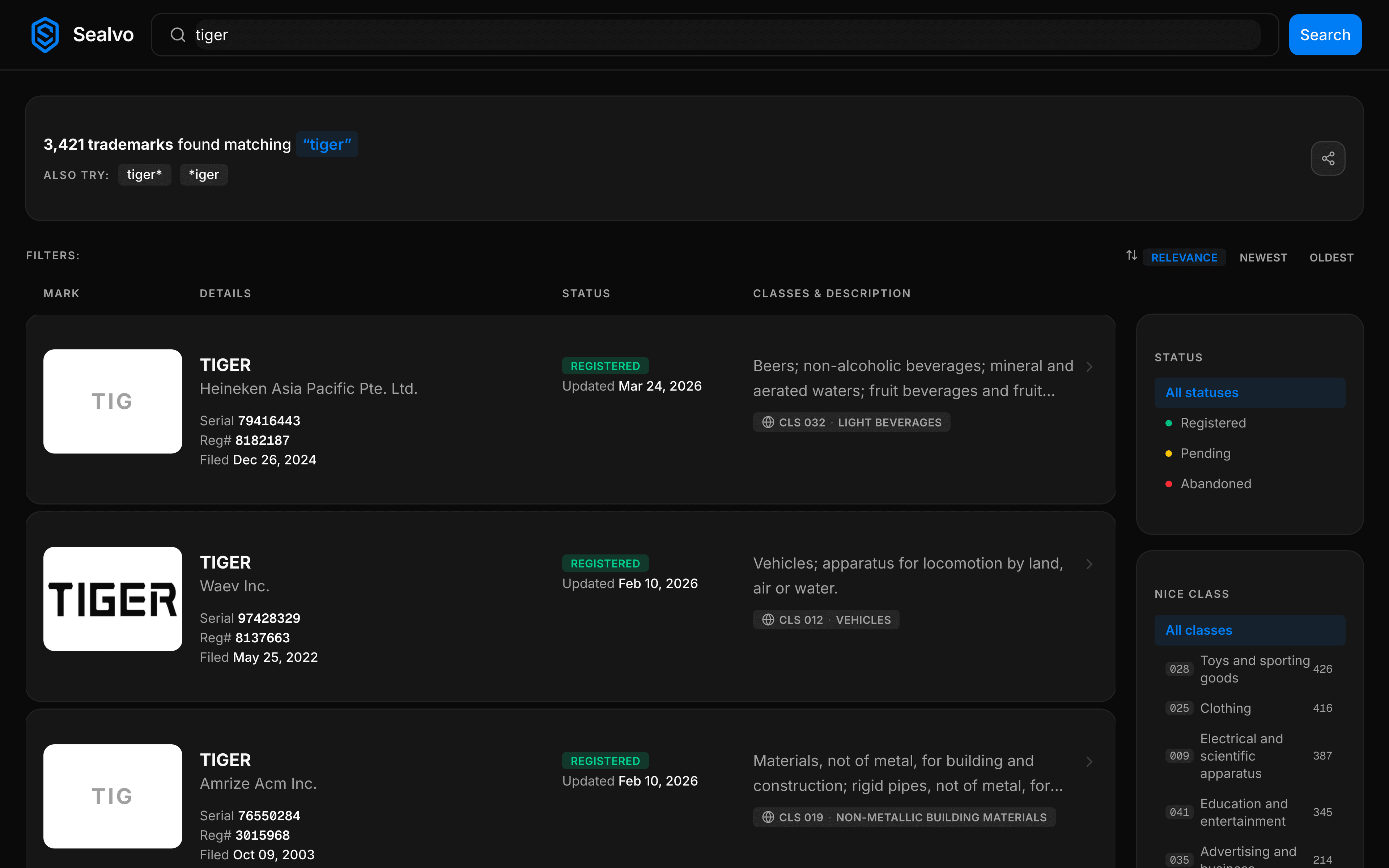
The correct approach: use the class filter to narrow results to your Nice classes. If you're launching a SaaS tool, filter to Classes 9 and 42. If you're launching a clothing brand, filter to Class 25. The marks that matter are the ones in the same or adjacent categories — because those are where an examiner will look for conflicts.
Two important nuances: "related" categories can trip you up even without exact class overlap (a software company and a hardware company in adjacent categories might conflict), and large brands sometimes register broadly across many classes. Check the description, not just the class number.
Mistake 4: Not reading the goods and services description
Two marks in the same class can have very different coverage. Class 42 has thousands of registrations, covering everything from enterprise data management to fitness tracking apps to weather forecasting services. These are unlikely to conflict with each other even though they share a class.
The mistake: seeing a mark in the same class as yours and assuming it conflicts — or seeing it and assuming it doesn't because it doesn't sound directly competitive.
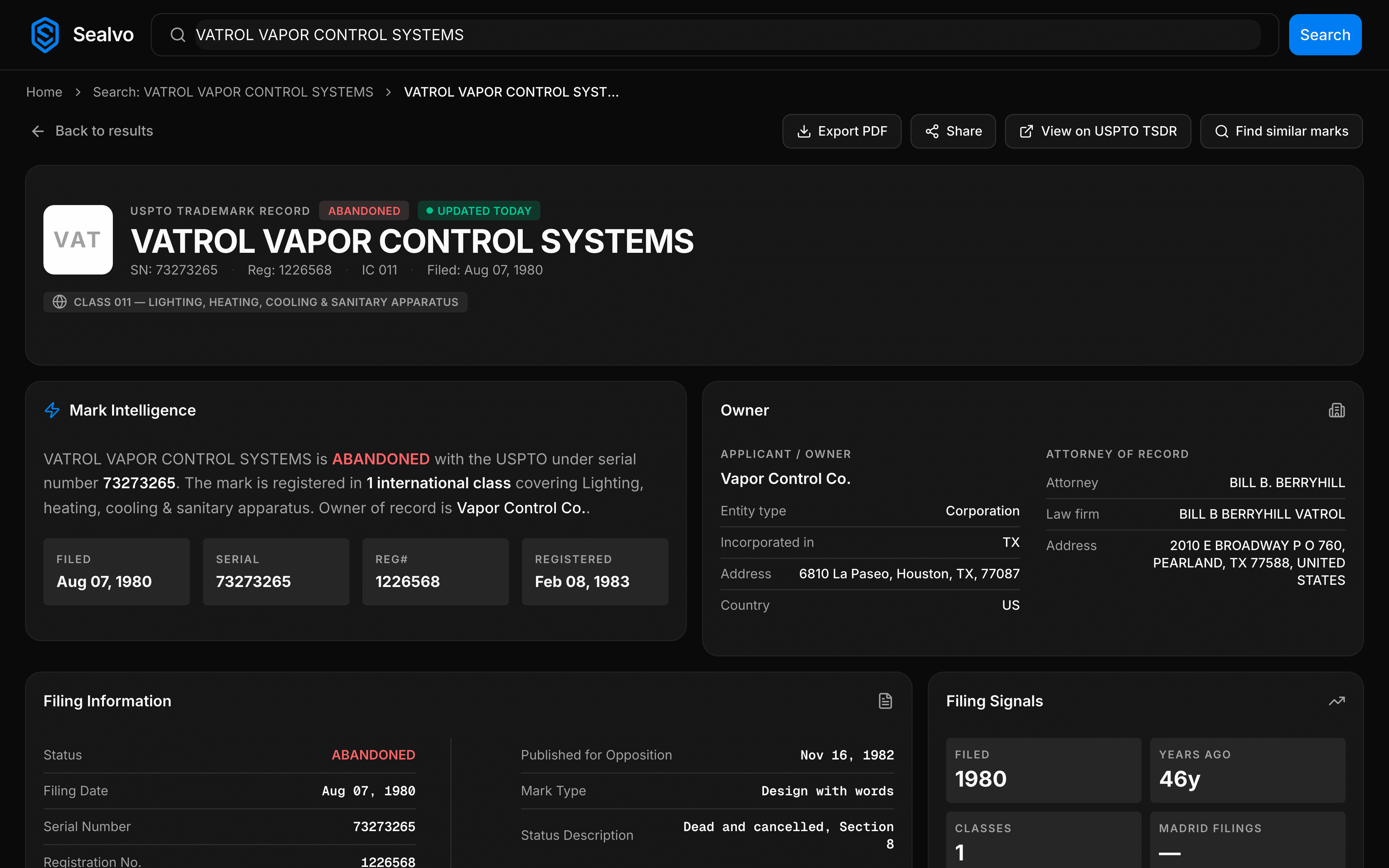
Every mark record shows the specific goods and services description — the actual text of what the owner claimed coverage for. Read it. "Software for financial management" covers different ground than "software for fitness tracking," even in the same class. And "computer software for managing customer relationships and sales data" is broad enough to potentially cover a lot of adjacent CRM-adjacent products.
Conversely, a description might be so narrow that it genuinely doesn't cover what you do. Don't rule out a mark as a conflict — or rule it in — based on class alone. The description is the thing.
Mistake 5: Stopping at the federal database
The USPTO database covers federally registered and pending marks — which is the most important thing to check, and what Sealvo searches. But it doesn't capture everything that could create a problem for your brand.
What the federal database misses:
- Common law rights: Any business that has used a mark in commerce — even without filing — can have trademark rights in the geographic areas where they operate. A regional restaurant chain with no USPTO registration can still have legitimate trademark rights in its city or state. These don't show up anywhere.
- State trademark registrations: Each state has its own trademark registry. State registrations are geographically limited and typically less powerful than federal, but they exist and can create complications if you enter that state's market.
- International marks: If you operate in Canada, the EU, the UK, or elsewhere, you need to search those registries too. The USPTO database only covers US marks.
For most businesses launching nationally, a thorough federal USPTO search is the right first step and catches the majority of conflicts. But don't stop there if you find something that looks borderline. An attorney doing a full clearance search will go beyond the USPTO database to catch these.
The search that actually works
A real trademark search covers:
- Your exact name (registered and pending)
- Common phonetic and spelling variations
- Individual words from compound names, in your category
- Filtered to your Nice classes, with descriptions read carefully
- Both registered and pending status — don't filter one out
Run all of this on Sealvo before you file — or before you invest significantly in the name. The search itself is free and takes 10–15 minutes when done properly.
Search the USPTO trademark database on Sealvo — 15 million records, free, instant. No account required.