Every year, thousands of businesses launch with a name that's already trademarked. Some find out when they get a cease-and-desist letter six months in. Others find out after paying a designer, printing packaging, and running ads. A proper trademark search before you commit to a name is one of the cheapest legal moves you can make — and it takes about ten minutes.
This guide walks through how to search the USPTO trademark database properly. Not just typing a name and hoping for the best, but actually understanding what you're looking at.
Why the USPTO database is the one that matters
The United States Patent and Trademark Office (USPTO) maintains the official registry of all federally registered and pending trademarks in the US. If a mark is registered here, the owner has nationwide exclusive rights to use it for the goods or services it covers.
State trademark registrations exist too, but federal registration is what most businesses need — and what most attorneys check. Searching the USPTO database covers the marks that can actually block your registration or give someone legal grounds to sue you.
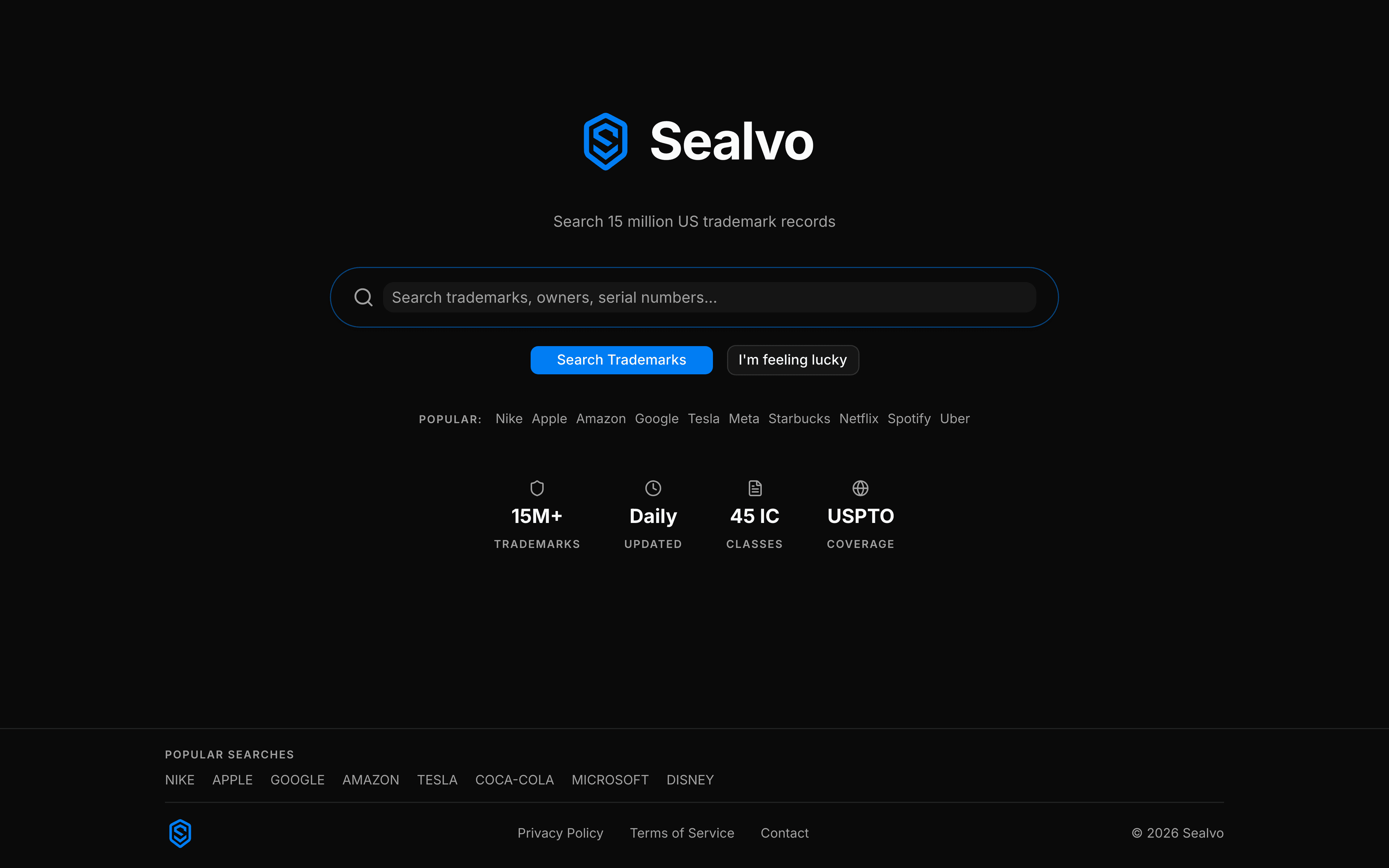
The database currently holds over 15 million records going back decades. Sealvo indexes this entire dataset and makes it searchable in real time.
The four ways to search
There's no single "right" way to search. Experienced trademark attorneys typically run several different searches for the same mark. Here are the four you should know.
1. Search by name or keyword
This is the most common starting point. Type the brand name you're considering — or a keyword from it — into the search bar. Sealvo searches mark names across all 15 million records and returns results ranked by relevance.
The important thing here is to search broadly, not just for exact matches. If you're launching a product called "SwiftPay," you should also search "Swift Pay," "SWIFTPAY," and even just "Swift" in the relevant category. Trademark examiners look for marks that sound similar or have similar meaning — not just identical names.
2. Search by owner
If you want to see everything a specific company has trademarked — useful for competitive research or due diligence — you can search by the owner's exact legal name. On Sealvo, you can filter results down to a specific owner after running a search.
This is particularly useful if you're acquiring a business and want to verify what trademark assets are actually registered in the seller's name versus a parent company or subsidiary.
3. Search by serial number
Every USPTO trademark application gets a unique serial number (typically 8 digits) at filing. If you have a serial number from a prior-art search, a competitor's filing, or your own application, you can look it up directly. This pulls the complete record including prosecution history, class descriptions, and deadlines.
4. Search by Nice class
Trademarks are registered for specific categories of goods and services, organized into 45 Nice Classification classes. Searching within a specific class lets you see what's already registered for the same type of product or service you offer.
For example, if you're launching clothing, you'd search Class 25. If you're launching software, Class 42. We cover Nice Classification in detail in a separate guide.

How to read the results
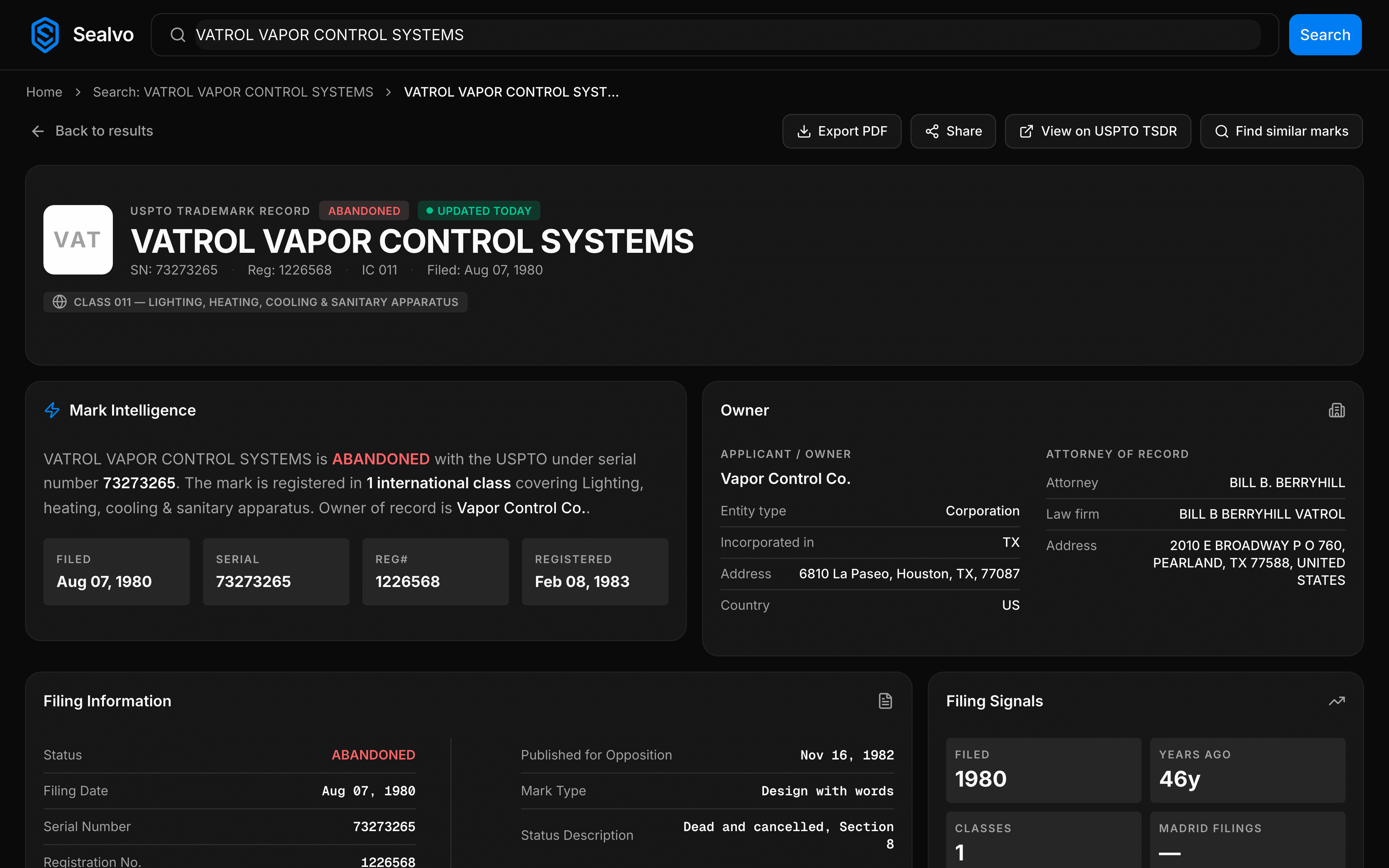
Once you run a search, each result shows you the mark name, current owner, status, filing date, and the Nice classes it covers. Here's what to pay attention to:
- Status matters a lot. A Registered mark is active and protected. A Pending mark is being examined — it could become registered or get abandoned. An Abandoned mark is no longer active, but the owner might still have common law rights from actual use. We explain each status fully in this guide.
- The class coverage matters. A mark can only block you if it covers the same or related goods/services. "Apple" as a trademark for computers doesn't block you from selling apples at a farmers market. But overlapping classes are where you need to be careful.
- Look at the actual goods/services description. Click into any result on Sealvo to see the full class description — this tells you exactly what the owner claimed coverage for, which is more precise than just knowing the class number.
What makes a conflict?
This is where most DIY searches go wrong. People find no exact match and assume they're safe. But trademark law uses a "likelihood of confusion" standard, not an exact-match test.
A conflict exists when an average consumer might confuse the two marks or associate one with the other. The test considers: how similar the marks look and sound, how similar the goods/services are, the strength of the existing mark, and how the goods are sold (same retail channels, etc.).
In practice, this means "SWIFTPAY" could conflict with "SWIFT" if both are used in financial services, even though the names are different. A trademark search is really a first pass — it tells you what exists, but whether it conflicts with your mark is a legal judgment that depends on context.
A practical search routine
Here's a simple routine that covers the basics without taking all day:
- Search your exact name on Sealvo. Note any active (registered or pending) marks that look similar.
- Search common phonetic variations — if your name has alternate spellings, search those too.
- Filter results to your Nice class(es) to focus on direct competitors.
- For any concerning results, click through to the full record and read the goods/services description carefully.
- If anything looks like it could conflict, consult an attorney before filing.
The goal isn't to find zero results — almost any word has some trademark hits. The goal is to identify whether any active marks in your category might cause problems.
Ready to search? Start a free trademark search on Sealvo — no account needed, 15 million records, instant results.