You've picked a name you love. Before you buy the domain, commission the logo, or tell anyone about it — you need to check if it's trademarked. The good news is that this takes about ten minutes. The bad news is that most people do it wrong, which is almost as bad as not doing it at all.
Here's the right way to check, step by step.
Why a Google search isn't enough
The first thing most people do is Google the name. That tells you if someone is using the name publicly, but it tells you nothing about trademark rights. A company might have a federally registered trademark and barely any web presence. Another company might be all over Google but have no trademark at all.
What you need to search is the USPTO trademark database — the official government registry where trademarks are filed and registered. That's what Sealvo searches.
Step 1: Search your exact name
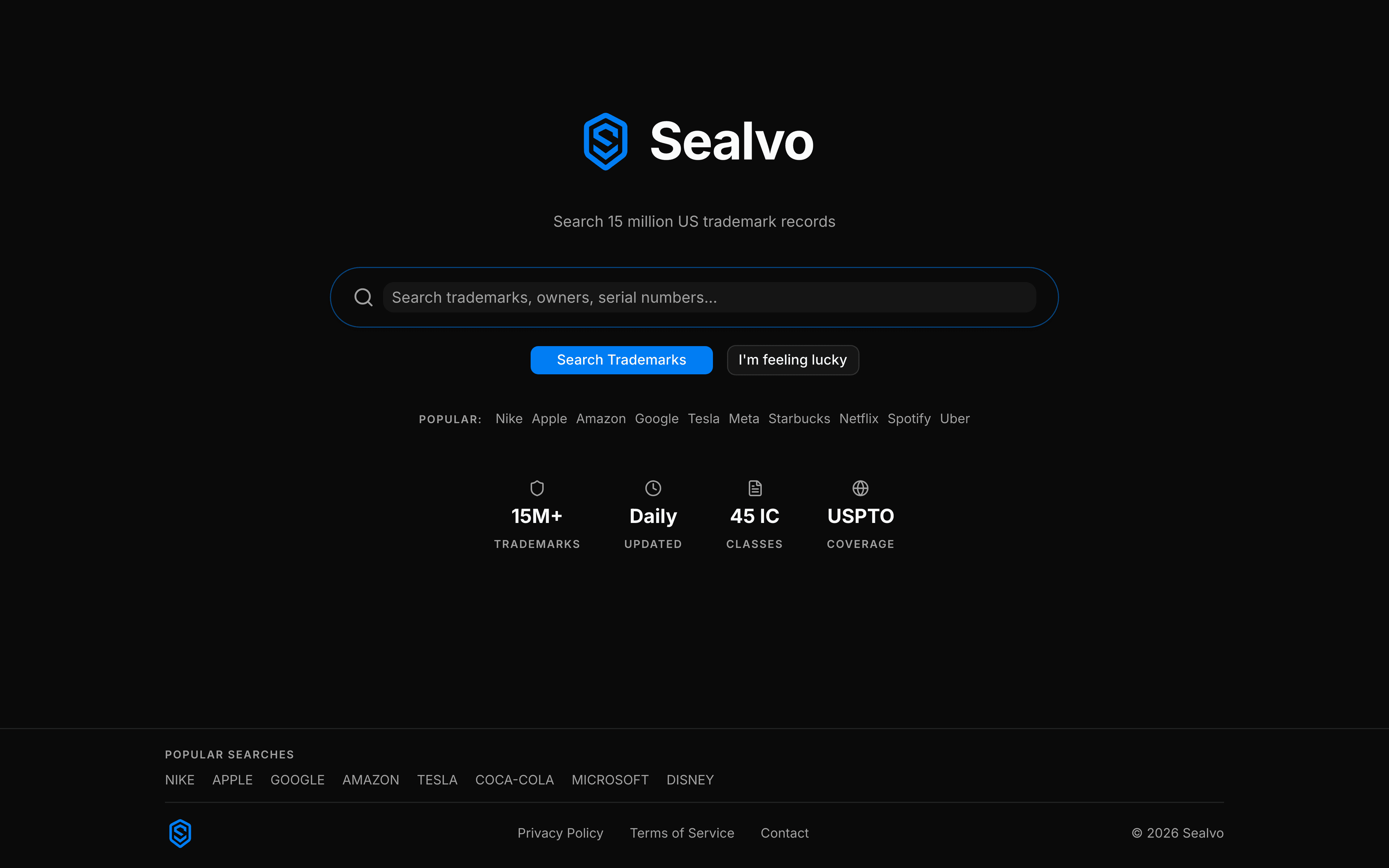
Go to sealvo.com and type your exact name into the search bar. Hit enter and look at what comes back.
You're looking for marks that are either Registered or Pending — these are the live ones that matter. Abandoned marks are less concerning but worth noting.
If your exact name returns nothing active in a related category, that's a good sign. But you're not done yet.
Step 2: Search variations and similar-sounding names
Trademark protection isn't limited to exact matches. The USPTO examines applications for "likelihood of confusion" — meaning a mark that sounds similar, looks similar, or has similar meaning can block your registration even if it's spelled differently.
If your name is "Klear," also search "Clear," "Kleer," and "Cleer." If your name is "SwiftPay," search "Swift" and "Pay" separately in the financial services category. If it's a compound word, search the component words.
This is the part most people skip, and it's where conflicts usually hide.
Step 3: Filter to your industry category
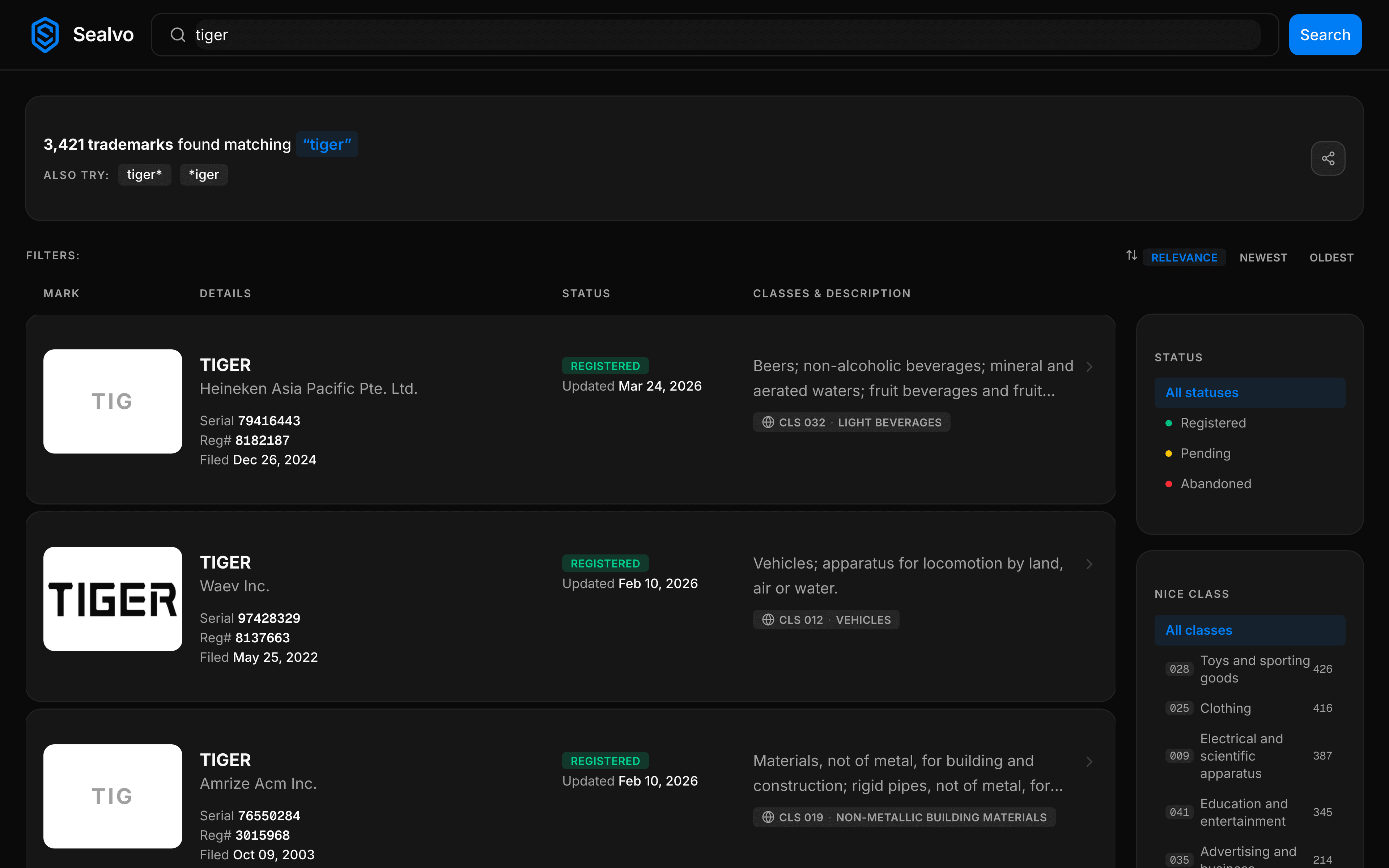
After searching, use the Class filter on Sealvo to narrow results to your specific Nice class. Trademarks are registered for specific goods and services — "Horizon" in the software category is a different matter from "Horizon" in the restaurant category.
If you're not sure which class covers your product or service, our Nice Classification guide breaks this down. Common ones to know:
- Class 9 — Software, apps, electronic devices
- Class 25 — Clothing, footwear, headwear
- Class 35 — Business services, retail, advertising
- Class 41 — Education, entertainment, training
- Class 42 — Technology services, SaaS, IT
Step 4: Read the actual goods and services description
When you find a mark that looks similar, don't stop at the class number. Click through to the full record and read the goods and services description — this is the actual text of what the owner claimed coverage for.
Two marks in the same class can have very different coverage. One Class 42 registration might cover "cloud computing services for enterprise database management" while another covers "software as a service for fitness tracking." These are unlikely to conflict even though they're in the same class.
On the other hand, broad descriptions like "software as a service featuring financial management tools" can cover a wide swath of adjacent products. Read these carefully.
Step 5: Check the owner
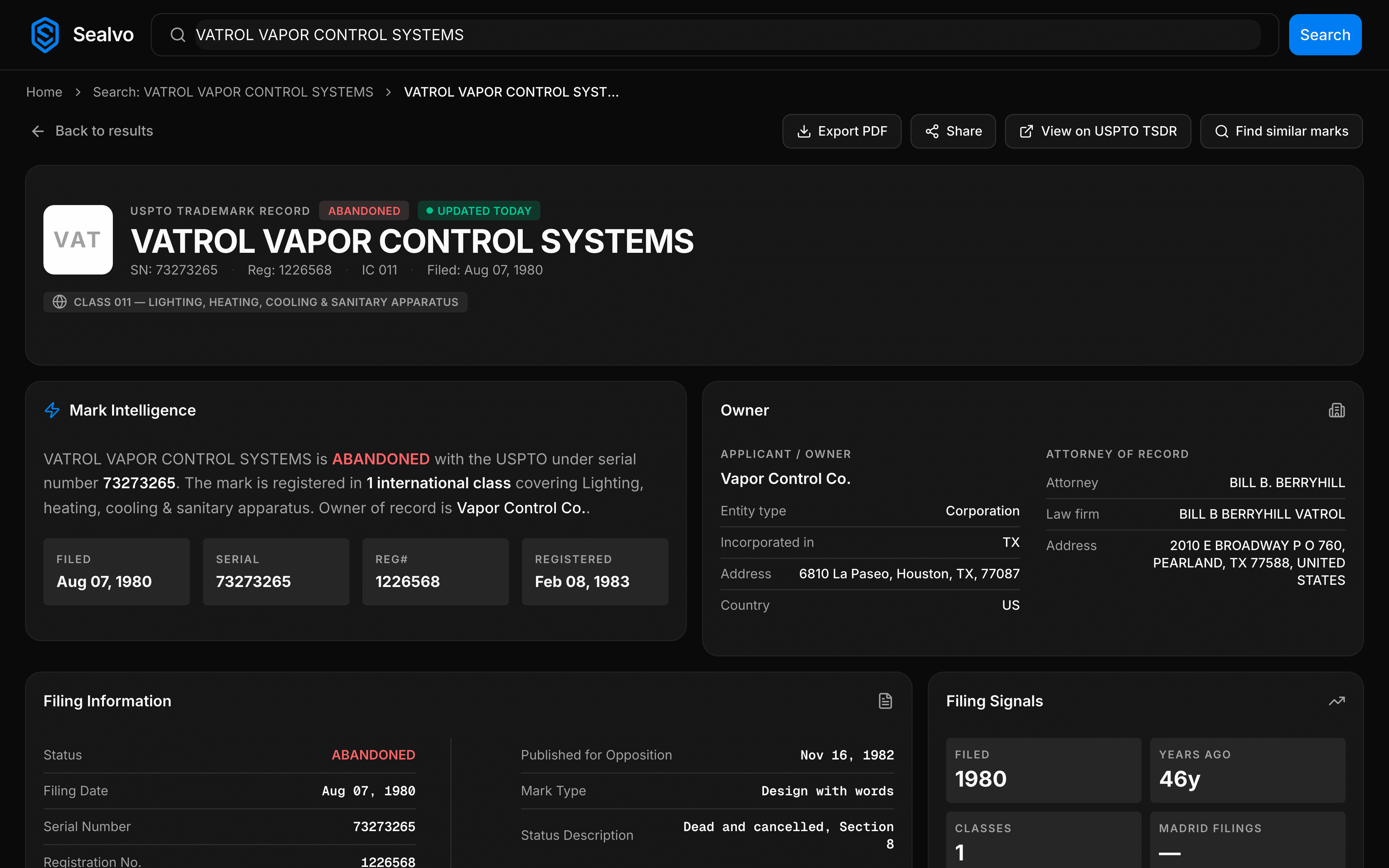
Knowing who owns a conflicting mark helps you assess the risk. A small business with a single registration in an adjacent category is a different situation than a Fortune 500 company with aggressive legal enforcement history.
On Sealvo, click the owner name to see their full trademark portfolio — how many marks they've filed, what categories they cover, and whether they're actively maintaining registrations. This gives you a sense of how seriously they protect their IP.
What to do if you find a conflict
Finding a potentially conflicting mark doesn't automatically mean you can't use the name. It means you need to think carefully before proceeding.
A few things to consider:
- How similar are the goods/services really? If your business is clearly in a different market, the risk is lower — but not zero.
- Is the mark strong or weak? Descriptive marks get less protection than distinctive ones. "Fast Delivery Co." is harder to protect than "Zephyr."
- Is the existing mark actively used? A registration that hasn't been maintained or a mark from a company that seems dormant carries less risk than one from an active brand in your space.
The limits of a DIY search
A database search covers registered and pending USPTO marks — which is the most important thing to check. But it doesn't cover:
- Common law rights — unregistered marks that have been used in commerce can create rights in specific geographic areas, even without USPTO registration.
- State trademark registrations — each state has its own registry, though these are geographically limited.
- International marks — if you're operating in other countries, you'll need to check those registries too.
For most early-stage businesses, a thorough USPTO search is the right first step. It catches the vast majority of conflicts and takes ten minutes. From there, an attorney can go deeper if needed.
Search the USPTO trademark database on Sealvo — free, instant, 15 million records. No account required.