If you just typed "TESS trademark search" into Google and ended up here — that's exactly who this is for. TESS (the Trademark Electronic Search System) was the USPTO's original trademark search tool. It was retired on November 30, 2023 and no longer exists. The URL that used to take you there now redirects somewhere else.
Here's what happened, what replaced it, and the fastest way to search the USPTO trademark database today.
What was TESS?
TESS — Trademark Electronic Search System — was the USPTO's public-facing search tool for the federal trademark database. It launched in February 2000 and ran for over 23 years. Attorneys, brand managers, and business owners used it daily to check whether a name was taken before filing or launching.
Despite its age, TESS became the default first stop for anyone doing trademark research. The interface was clunky and the search syntax required learning specific field codes, but it indexed the full USPTO database and was free to use.
The USPTO retired TESS because the backend programmer who maintained it announced their retirement, and the 23-year-old system had significant limitations — bandwidth issues under high traffic, an outdated interface, and no modern search features. A replacement had been in the works for years.
What replaced TESS?
The USPTO launched a new cloud-based trademark search system at tmsearch.uspto.gov. The new system covers the same 15 million+ trademark records as TESS and offers both a basic search mode and an advanced search mode for more complex queries.
The new USPTO search is an improvement over TESS in terms of stability and interface, but it still has limitations for everyday users:
- No prosecution history viewing in the same interface — you still need to go to TSDR (tsdr.uspto.gov) to see the full document history of an application
- No owner portfolio view — you can't easily click an owner's name and see everything they've filed
- Search results don't show key dates (filing date, registration date) without clicking into each record
- The advanced search mode still requires Boolean syntax that most non-attorneys find confusing
The better alternative: Sealvo
Sealvo searches the same USPTO database as TESS did — all 15 million registered, pending, and abandoned trademark records — but with a significantly faster and cleaner interface. No account required. No learning curve.
Here's what you can do on Sealvo that you couldn't in TESS:
- See prosecution history inline — every application action (office actions, responses, publications, oppositions) is visible on the mark detail page without jumping to a separate tool
- Browse an owner's full portfolio — click any owner name to see every trademark they've filed, across all classes and statuses
- Filter results immediately — narrow by status (Registered/Pending/Abandoned), Nice class, filing date range, owner, and attorney from the same results view
- See key dates at a glance — filing date, registration date, and renewal deadline visible in search results
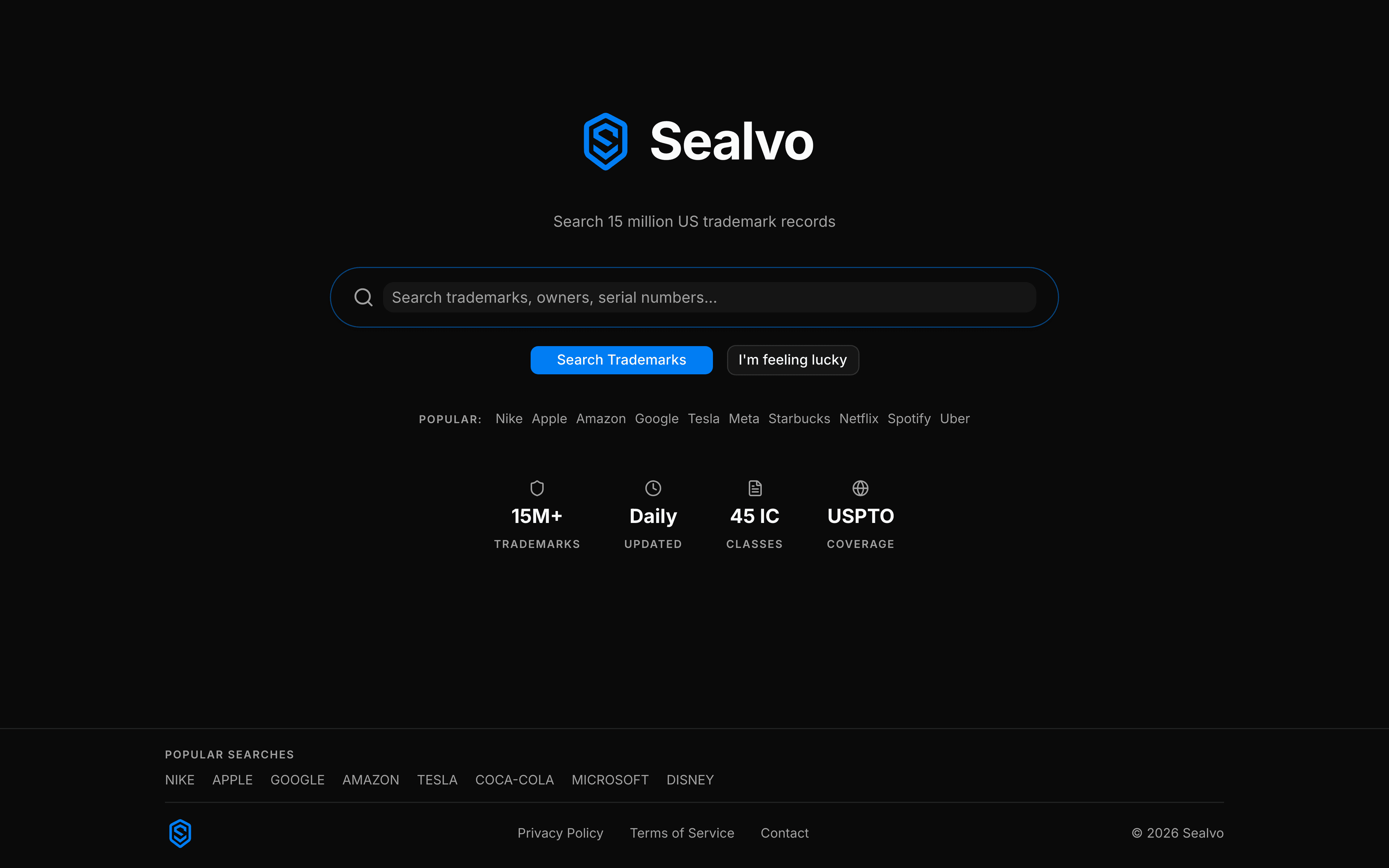
How to do what you used to do in TESS, on Sealvo
Basic word mark search
In TESS, you'd type a name in the basic search box and search mark names. On Sealvo, it's the same: type the name in the search bar and hit enter. Results are ranked by relevance and show all marks containing your query term.
Filtering by status
In TESS, you had to add "live" or "dead" to your search to filter by status. On Sealvo, there's a Status filter in the left panel — select Registered, Pending, or Abandoned. Most people searching for conflicts want Registered + Pending only.
Searching by Nice class
In TESS advanced search, you'd use the IC field tag (IC:025 for clothing, IC:042 for software services). On Sealvo, use the Class filter in the left panel — check the class numbers you want. Our Nice Classification guide covers which classes apply to common business types.
Looking up a specific serial number
In TESS, you'd search the SN field. On Sealvo, type the serial number directly into the search bar — it recognizes 7–9 digit numbers and goes straight to the mark record.
Searching by owner
In TESS, you'd use the OWN field tag with the owner's exact legal name. On Sealvo, search the company name and then use the Owner filter to drill down, or click any owner name in search results to see their full portfolio.

What about the old TESS URLs?
Bookmarks to the old TESS interface (http://tess2.uspto.gov) no longer work. The USPTO redirects those URLs to their new search system. If you had saved TESS search URLs or bookmarked specific mark records through TESS, you'll need to re-run those searches.
For specific mark records, the most reliable way is to search by serial number — that always takes you directly to the correct record regardless of which tool you use.
For attorneys and power users
The new USPTO search at tmsearch.uspto.gov supports advanced Boolean queries using field tags — the same approach as TESS but with a more modern syntax. If you regularly build complex search strings (phonetic searches, proximity searches, multi-class queries), the USPTO's advanced interface is worth learning.
For most business users, brand managers, and startup founders doing clearance research, Sealvo covers the full workflow without needing to learn Boolean operators.
Search the USPTO trademark database on Sealvo — the fastest way to do what you used to do in TESS, plus prosecution history, owner portfolios, and better filtering. Free, no account required.