The right trademark search tool depends on what you're trying to do. Most guides just list every tool they can find — this one compares the ones people actually use, based on what they're each good at and where they fall short.
All of the tools below search the USPTO federal trademark database. The differences are in interface, features, and what you can do beyond a basic keyword search.
1. Sealvo — Best for speed, prosecution history, and owner research
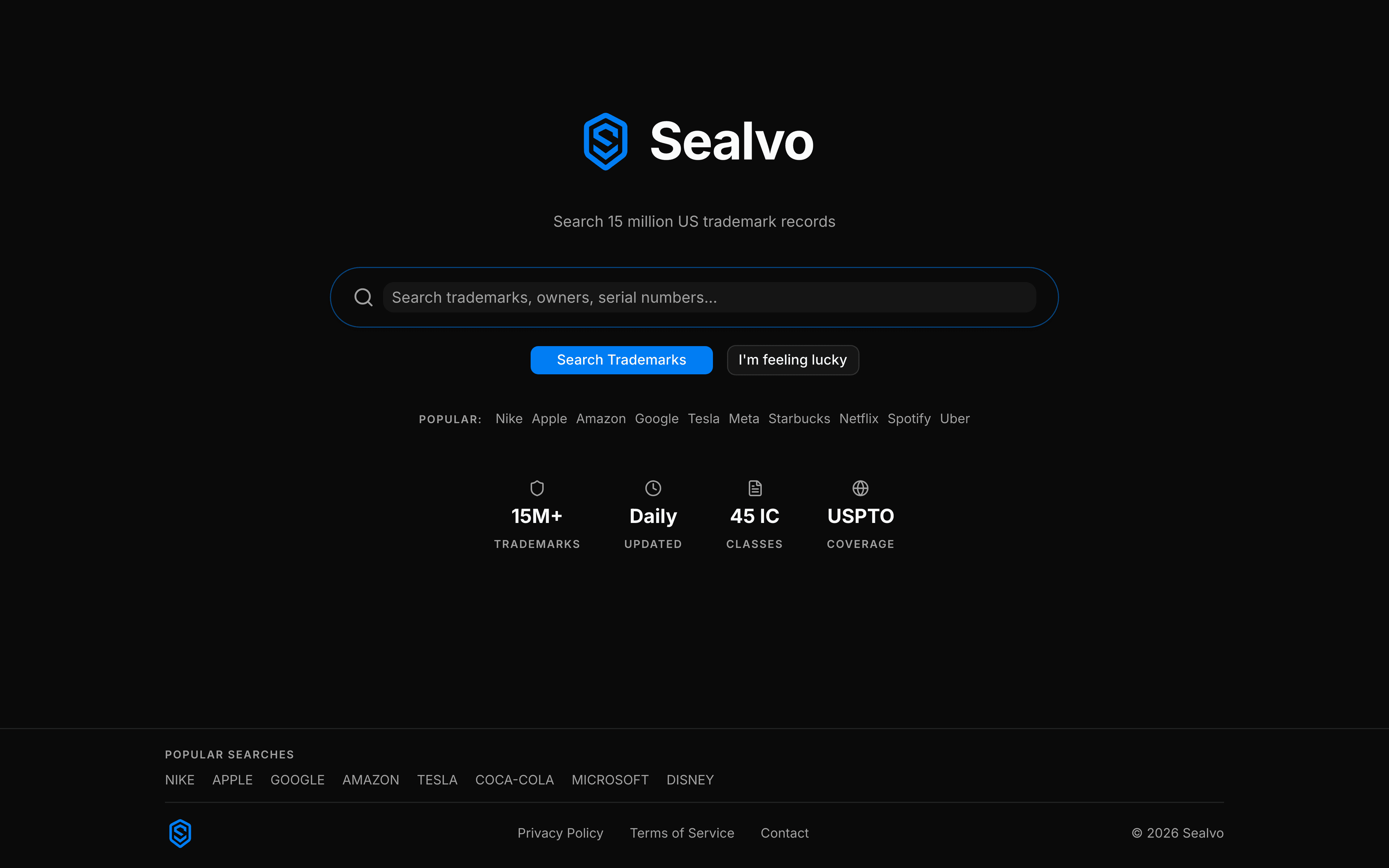
Sealvo searches all 15 million USPTO records with fast, relevance-ranked results. No account required, no paywalls on core search.
What it does well:
- Prosecution history inline — every office action, response, publication notice, and deadline visible on the mark detail page. You don't need a separate tool to see the application history.
- Owner portfolio view — click any owner name to see every trademark they've filed, across all classes and statuses. Useful for competitive research and due diligence.
- Filters that actually work — status (Registered/Pending/Abandoned), Nice class, filing date range, owner, attorney. Apply multiple filters simultaneously.
- Serial number search — type any 7–9 digit serial number and it jumps straight to that record.
- Renewal and maintenance dates — visible on every mark detail page.
Limitations: US-only (USPTO database). No AI-powered phonetic similarity scoring or image search.
Best for: Startups and brand owners doing pre-filing clearance research, competitive research, and due diligence on specific companies' trademark portfolios.
2. USPTO Trademark Search (tmsearch.uspto.gov) — Best for authoritative source
The official USPTO search system replaced TESS in November 2023. It's the authoritative source for all US trademark data — the same records Sealvo and every other tool pulls from.
What it does well:
- Complete and authoritative — everything in the USPTO database, updated in real time
- Advanced search mode with Boolean operators and field tags for complex queries
- Free, no account required
- Official government source — useful when you need to cite or screenshot for legal purposes
Limitations: No prosecution history in the same interface — you need to go to TSDR (tsdr.uspto.gov) separately. No owner portfolio view. Search results require clicking into each record to see filing dates and class details. The interface is functional but slower and less intuitive than third-party tools.
Best for: Advanced searches requiring Boolean syntax, citing official records, and as a verification source for anything you find elsewhere.
3. Trademarkia — Best for volume of records and historical data
Trademarkia has been around since 2009 and indexes USPTO trademark records alongside some international data. It's consistently one of the top-ranked trademark search tools and has a large user base.
What it does well:
- Large database with decent search interface
- Shows owner information and basic mark details
- Some international coverage beyond USPTO
- Free basic search
Limitations: The free tier shows limited results — more detailed data requires creating an account or paying. Prosecution history viewing is limited. The interface pushes heavily toward their paid attorney services. Many features that should be free are gated.
Best for: Quick initial checks when you just want to see if something exists and you don't need detail.
4. Trademark Engine — Best if you also want to file
Trademark Engine combines a free trademark search with an attorney-assisted filing service. The search tool is genuinely free and returns results from the USPTO database, but the product is designed to funnel you toward their registration services.
What it does well:
- Free search with basic results
- Clean interface easy to use for first-timers
- Integrated with filing services if you want to proceed
Limitations: Limited search depth on the free tier. No prosecution history. No owner portfolio view. Not useful for research beyond basic clearance checks.
Best for: People who want to do a quick check and then have someone else handle the filing.
5. WIPO Global Brand Database — Best for international searches
The WIPO (World Intellectual Property Organization) Global Brand Database covers marks registered through the Madrid Protocol and national databases from over 60 countries. If you're planning to operate in markets outside the US, this is the right starting point for international research.
What it does well:
- Multi-country coverage in one interface
- Free to use
- Covers international registrations (Madrid Protocol) that may not appear in national databases
Limitations: US records are incomplete compared to the full USPTO database. Slower than US-specific tools. Results require more interpretation for US-specific questions.
Best for: Initial international screening before filing globally.

Comparison at a glance
Prosecution history: Sealvo ✓ | USPTO (via TSDR) ✓ | Trademarkia ✗ | Trademark Engine ✗
Owner portfolio view: Sealvo ✓ | USPTO ✗ | Trademarkia ✗ | Trademark Engine ✗
No account required: Sealvo ✓ | USPTO ✓ | Trademarkia ✗ | Trademark Engine ✗
Nice class filter: Sealvo ✓ | USPTO ✓ | Trademarkia partial | Trademark Engine ✗
Status filter: Sealvo ✓ | USPTO ✓ | Trademarkia ✓ | Trademark Engine ✓
International coverage: Sealvo ✗ | USPTO ✗ | Trademarkia partial | WIPO ✓
Which tool should you use?
For most people doing pre-filing research on a US business name:
- Start on Sealvo — fast, clean, prosecution history included, no account needed
- Verify on the official USPTO search if you need to confirm something or cite official records
- Add WIPO Global Brand Database if you're planning international expansion
A basic DIY search covers registered and pending federal marks, which is the most important category. It doesn't cover common law rights (unregistered marks) or state registrations. For final clearance before filing, an attorney's professional search covers all of these layers — but the free tools are the right first step.
Start your search on Sealvo — free, 15 million USPTO records, no account required. For a step-by-step guide to using the results, see our guide to checking if a name is trademarked.